
Beyond Keyboarding: Free Digital Literacy Curriculum for Elementary Schools
This post may contain affiliate links, view our disclosure policy for details.
This article was sponsored by Taito Learning. The opinions expressed are my own.
Do you remember taking keyboard classes in school growing up to learn how to type? It’s always been a bit of a joke for GenX and Millenials growing up – but it’s such an important skill to learn and I’m so thankful that I have these keyboarding skills!
Today’s kids, as you can imagine, need far more than just typing skills (although most of the kids I’ve worked with definitely needed some solid keyboard practice!) – they also need to learn digital literacy skills and yes, AI literacy as well. Companies like TypeTastic make it easy for teachers to provide the game-based resources needed to teach students with no technical expertise required! And it’s free and ad-free!

As students spend more time learning, communicating, and socializing online, knowing how to navigate digital spaces has become just as important as knowing how to navigate the physical world. That’s why I have loved using TypeTastic over the years and am a big supporter of their expanded free digital literacy curriculum. They were popularly known for their free typing program for kids, but they’ve since expanded into so much more. They now cover the following areas:
- Digital Citizenship (K-5)
- Digital Literacy (K-5)
- Computer Science (K-5)
- AI Literacy (Grades 3-5)
- Keyboarding (K-12)
The real challenge is not realizing that all of these are important and need to be taught, the real challenge is finding the time to teach them all! That’s why I set aside a little time each week for TypeTastic lessons with my students. It’s all laid out in easy lessons for my students to engage with. The Curriculum was even named a Tech & Learning Best of 2025 Winner! Start using the free digital literacy lessons from TypeTastic here!
What is Digital Citizenship?
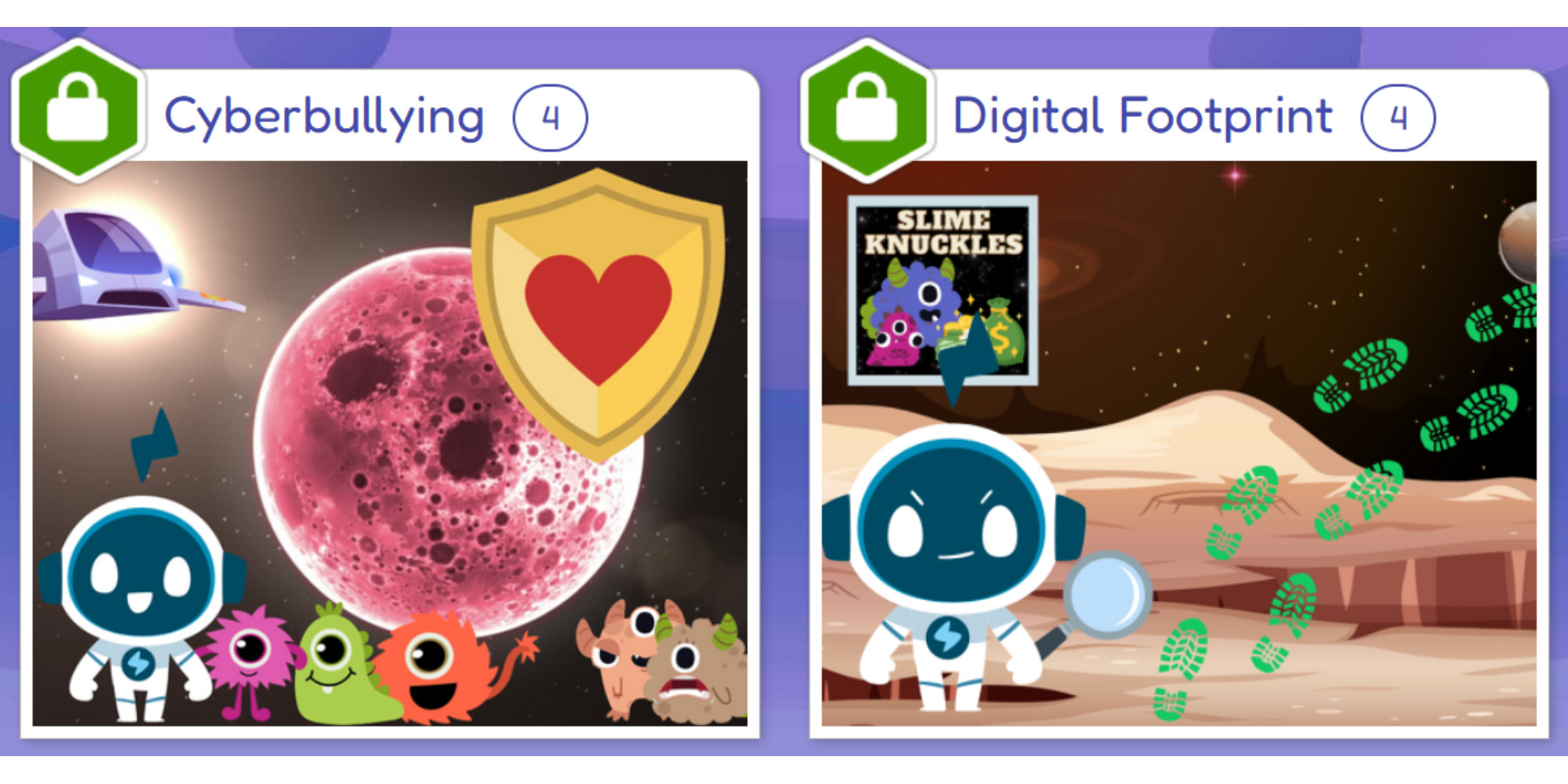
Digital citizenship teaches students how their choices online can affect themselves and others. This includes treating classmates and others with kindness and respect online, how to recognize and report cyberbullying, and knowing when to ask a trusted adult for help. Students should also learn how to protect their personal information and be able to identify what personal identifying information is, create strong unique passwords, recognize scams and phishing attempts, and make thoughtful decisions about what they post, share, download, and click.
Digital citizenship also includes developing healthy technology habits. Students should not only learn now only how to maintain a healthy boundary with screen time but why it’s important and how too much screen time can affect you. Remind students to take scheduled breaks and balance digital activities with offline activities. The goal isn’t to limit technology use just because an adult said so, but to help students develop the habits they need to use technology in healthy and responsible ways.
What is Digital Literacy?
Digital literacy goes far beyond your keyboarding skills or even just knowing how to use a device. Digital literacy is the ability to confidently use digital tools to find (and understand) information and make informed decisions in a digital information. Learning how to both find the information and make an informed decision is vital in today’s digital world. Students (and adults!) encounter an enormous amount of content online, but not all of it is accurate or safe. Developing the critical thinking skills needed to identify reliable sources and trace information back to its original source is important for consuming safe and effective content.
And just being able to decipher trust-worthy information isn’t the only area that digital literacy covers! Digital literacy also includes students learning how to navigate websites, organize information, use digital tools and understand how things like algorithms and search engines influence what they see online. These skills give students the foundation they need to move from simply using technology to understanding how to use it effectively and critically.
What is Computer Science?
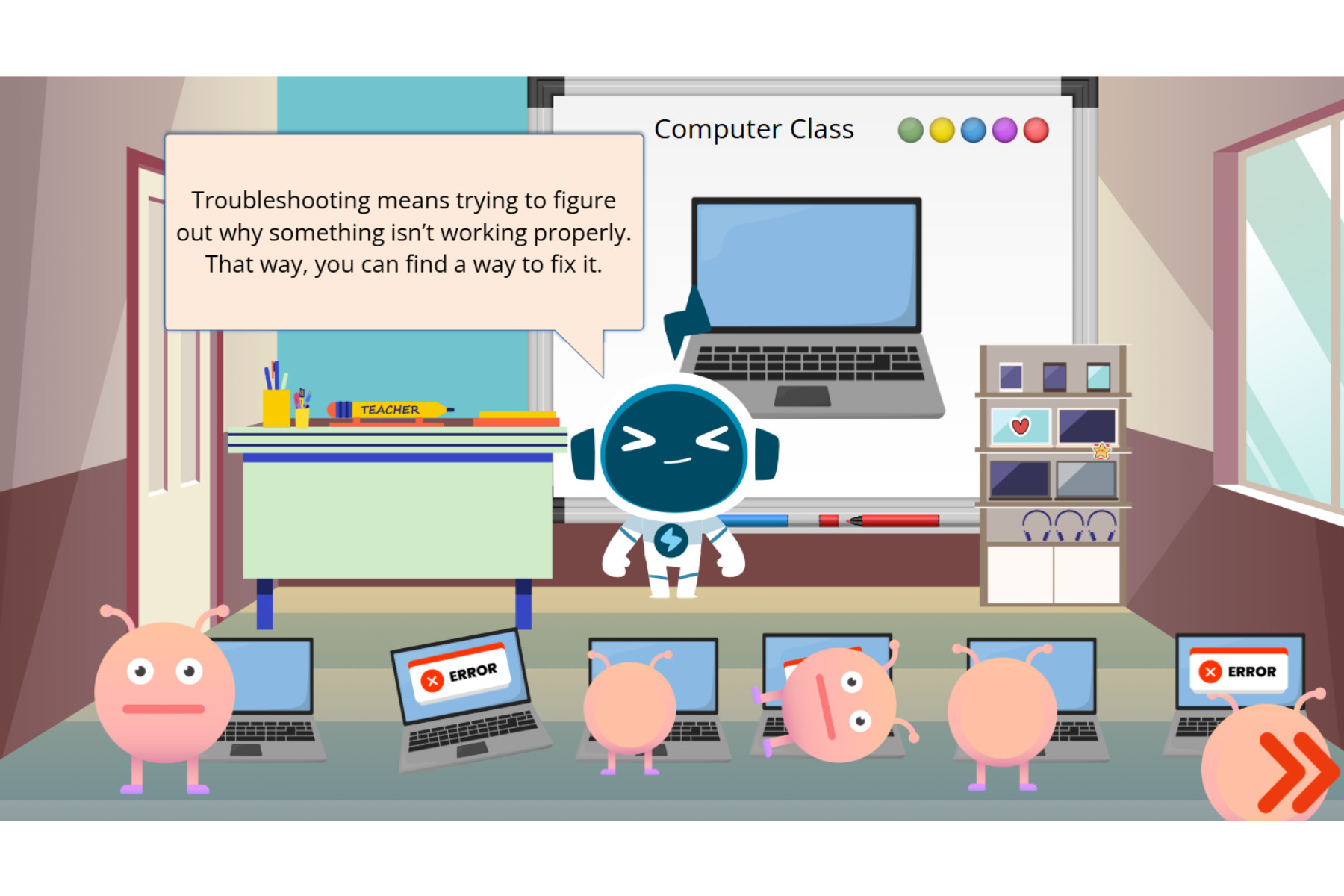
Computer science and coding have become buzz words in education the past few years, but for good reason. Computer science is more more than “just” learning how to code. It teaches students how to logically approach a problem, break it down into manageable steps and use computational thinking skills to develop solutions. Things like sequencing, patterns, algorithms, conditionals, debugging and problem-solving – these are all areas of programming concepts – many of which are skills needed for everyday life!
Learning computer science allows students the opportunity to become creators of technology rather than just a consumer. It gives students the skills they need to build their own programs and projects or troubleshoot a problem. It allows them the space for creativity and problem-solving that extend offline. And TypeTastic offers a fantastic simple break down of different learning topics that cover a broad amount of knowledge for students to learn in age-appropriate lessons.
What is AI Literacy?
AI literacy lessons with TypeTastic help elementary students not only learn about the history of AI but also recognize how they use AI every single day even without realizing it! What I really appreciate is that in addition to learning and recognizing what artificial intelligence actually is, they teach kids the importance of the human connection and the ethics of using AI.
The critical thinking skills that kids learn through digital literacy and computer science are put to the test when it comes to AI navigation. This topic in particular I find can be difficult for even adults to address. TypeTastic makes it easy on teachers by keeping AI discussions and learning age appropriate and less technical for understanding.
What Keyboard & Typing Skills do Students Still Need?
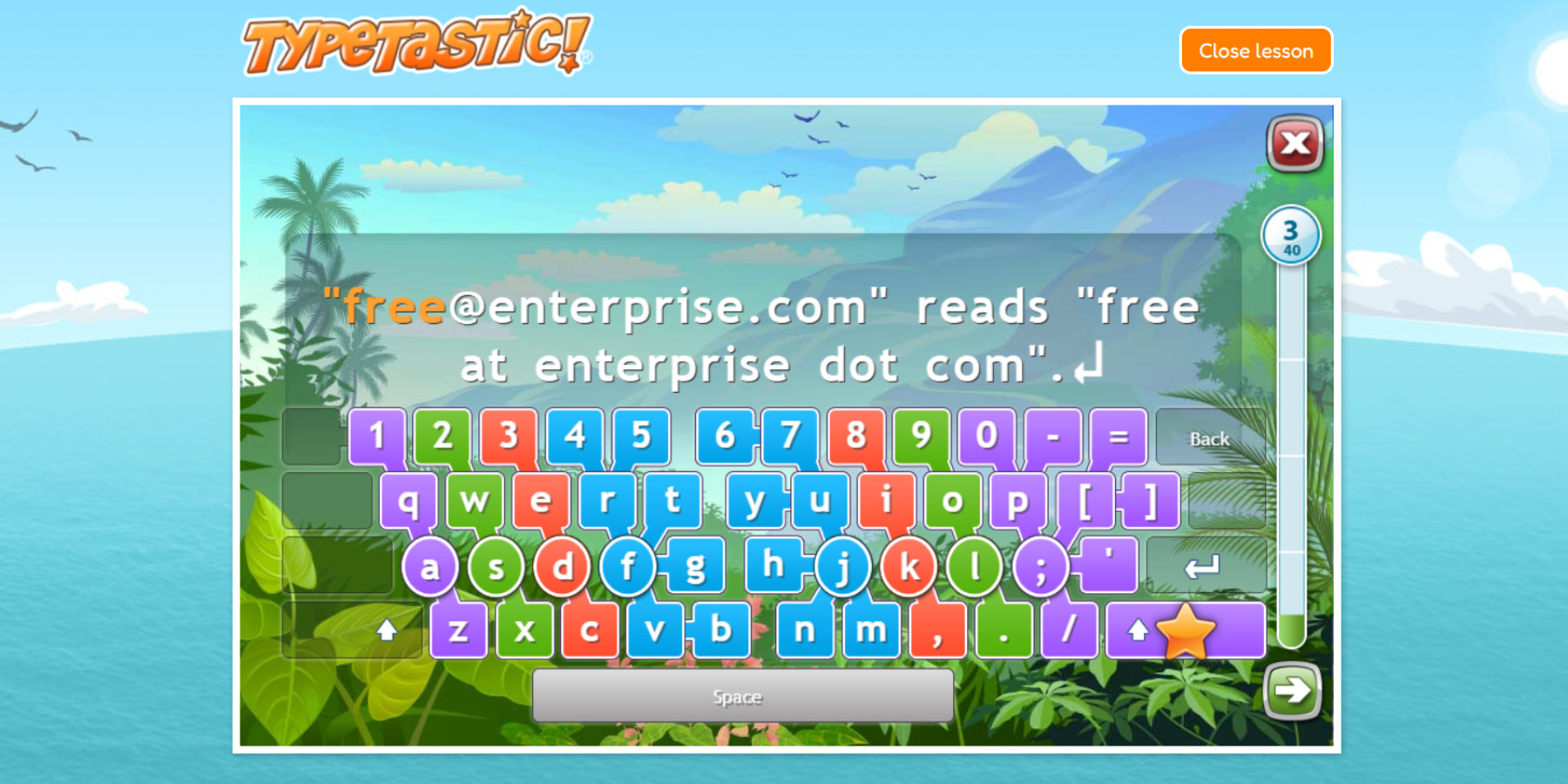
Keyboarding is so much more than “just” typing. It’s a foundational digital skill every child needs to learn early on. Just because students are growing up with technology and using touchscreens does not mean they know how to type! And this goes all the way up through high school! Kids that are effortlessly fluent at typing can reflect their ideas and thoughts on screen faster and more efficiently allowing for quicker research and job completion.
Making typing a natural automatic skill gives students a strong foundation for broader digital skills as they advance throughout their education. They will be better prepared to focus on writing, research and coding rather than struggling with the mechanics of typing.